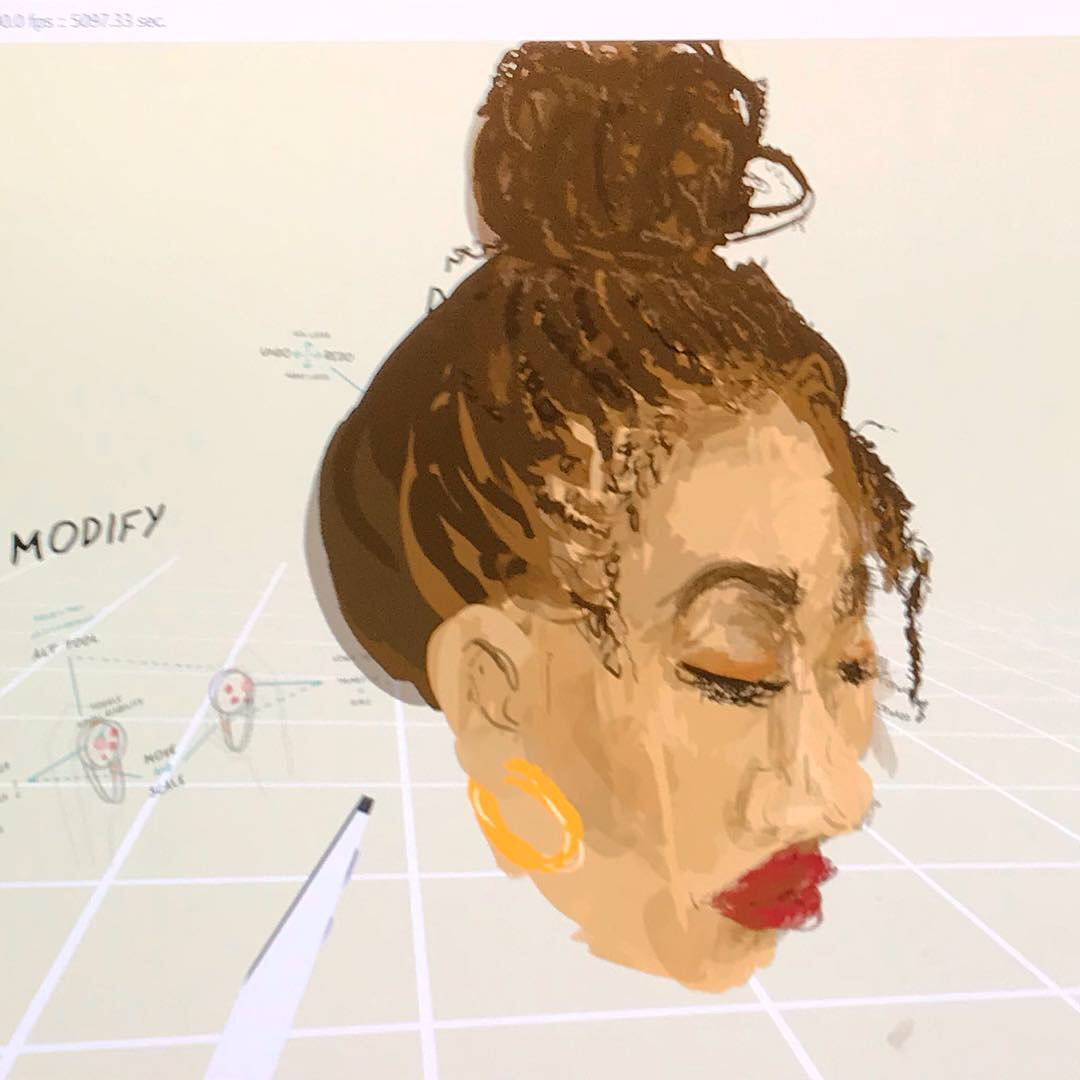
I’m currently undergoing a residency at Pervasive Media Studio looking at incorporating creative tech into my illustration practice.
I have been experimenting with VR animation and illustration. Software I’m using at the moment are the Oculus and Quill.
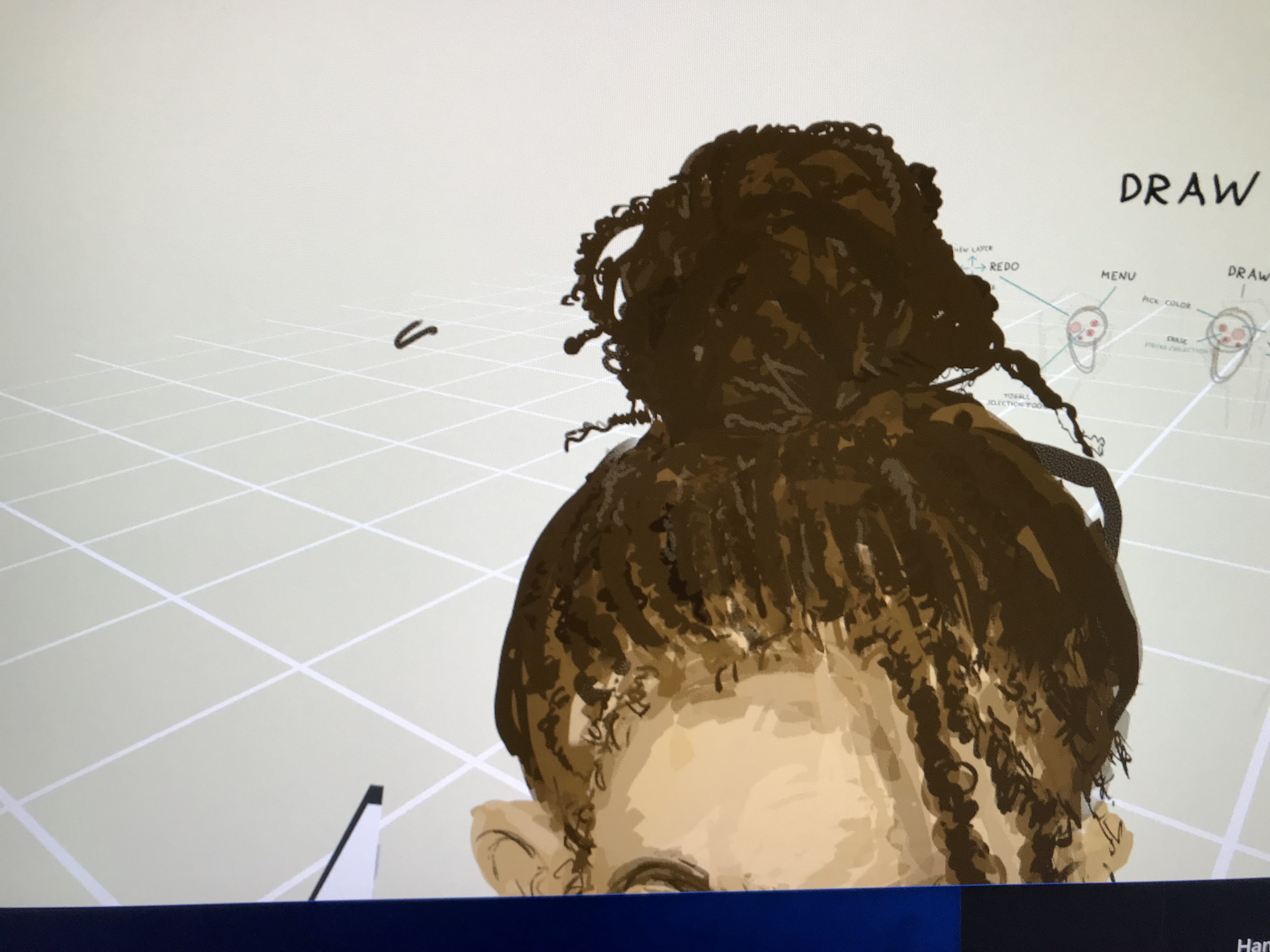
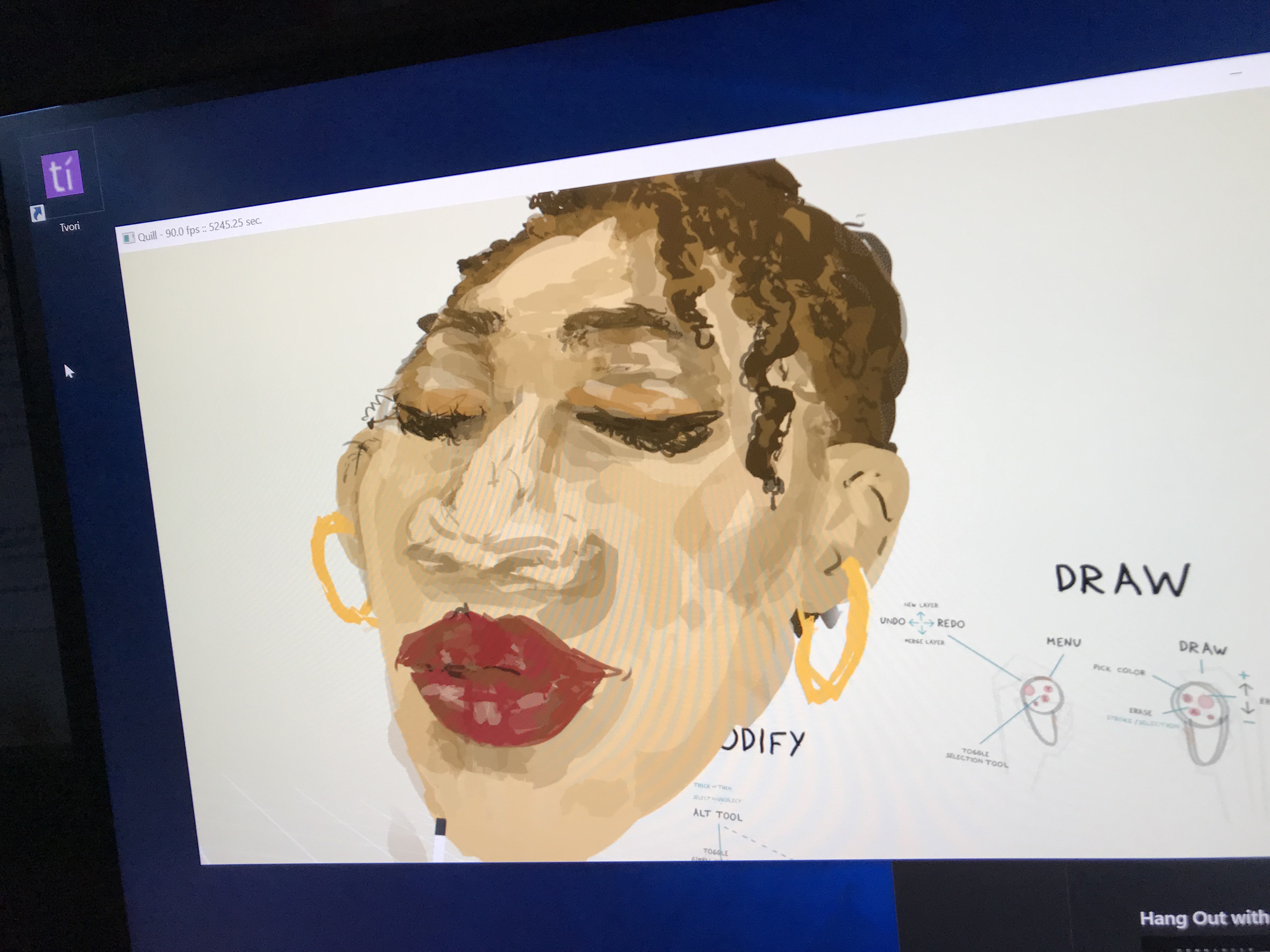
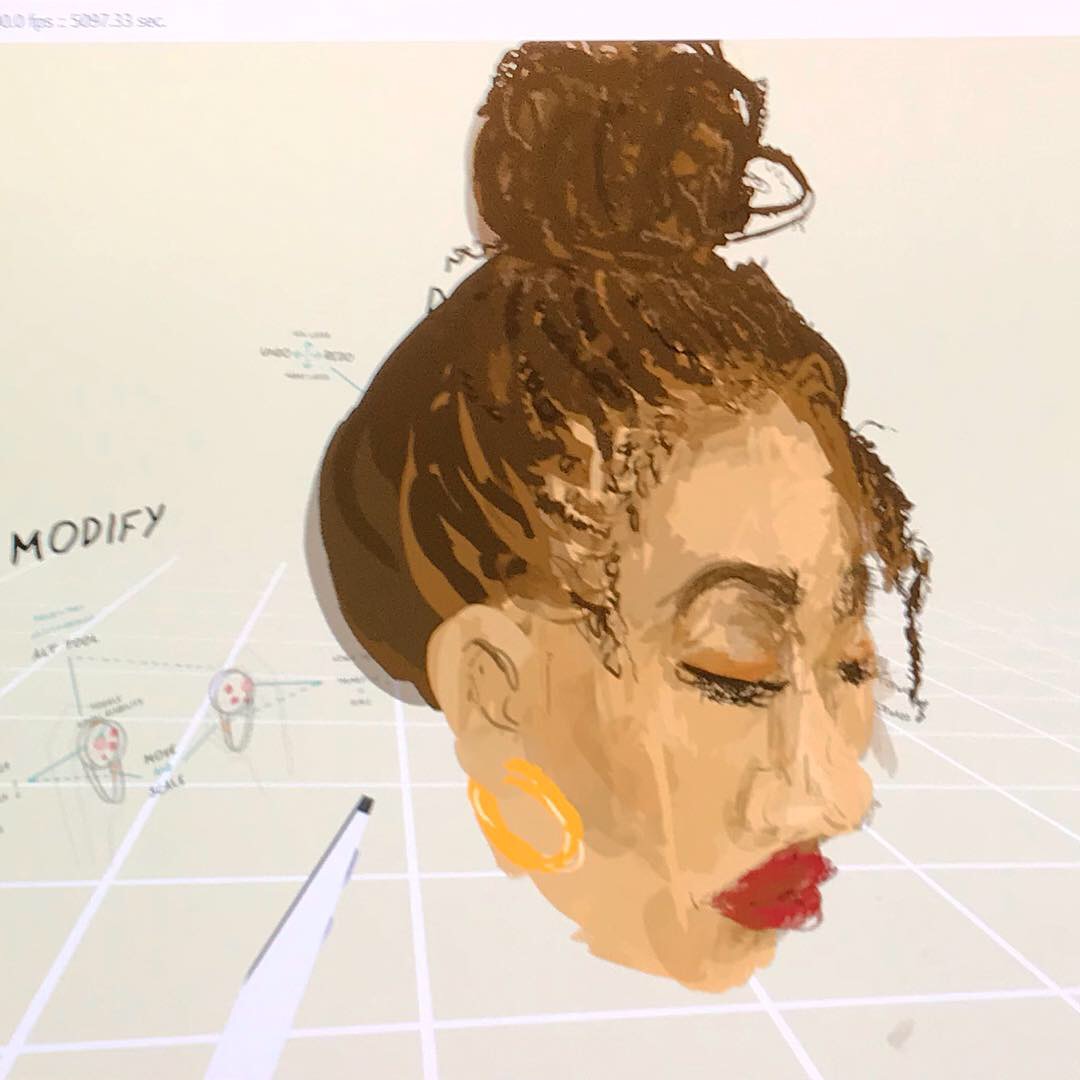
I’ve opted to choose Quill to begin with as compared to Tilt Brush it has qualities that make it better to use as an illustrator. My style is very sketchy and involved a build up of colour and layers, but also incorporates visible brush strokes or cross-hatching and a very ‘sketchy’ finished feel. The Quill allows you to build up levels of colour and change opacity of your colour application so you can blend tones very easily. This so far has been ideal for drawing faces and characters.
It feels very natural to draw with, and allows me to maintain some main elements of my drawing style. Learning to lose the use of line making has been the hardest thing so far. When I first picked up the oculus controls I instinctively went for a black thin pen tool and drew the outline of a face from the front. Of course when I turned the image to the side, it was flat and held no form. It was not evident it was a face from the side, only from the front.
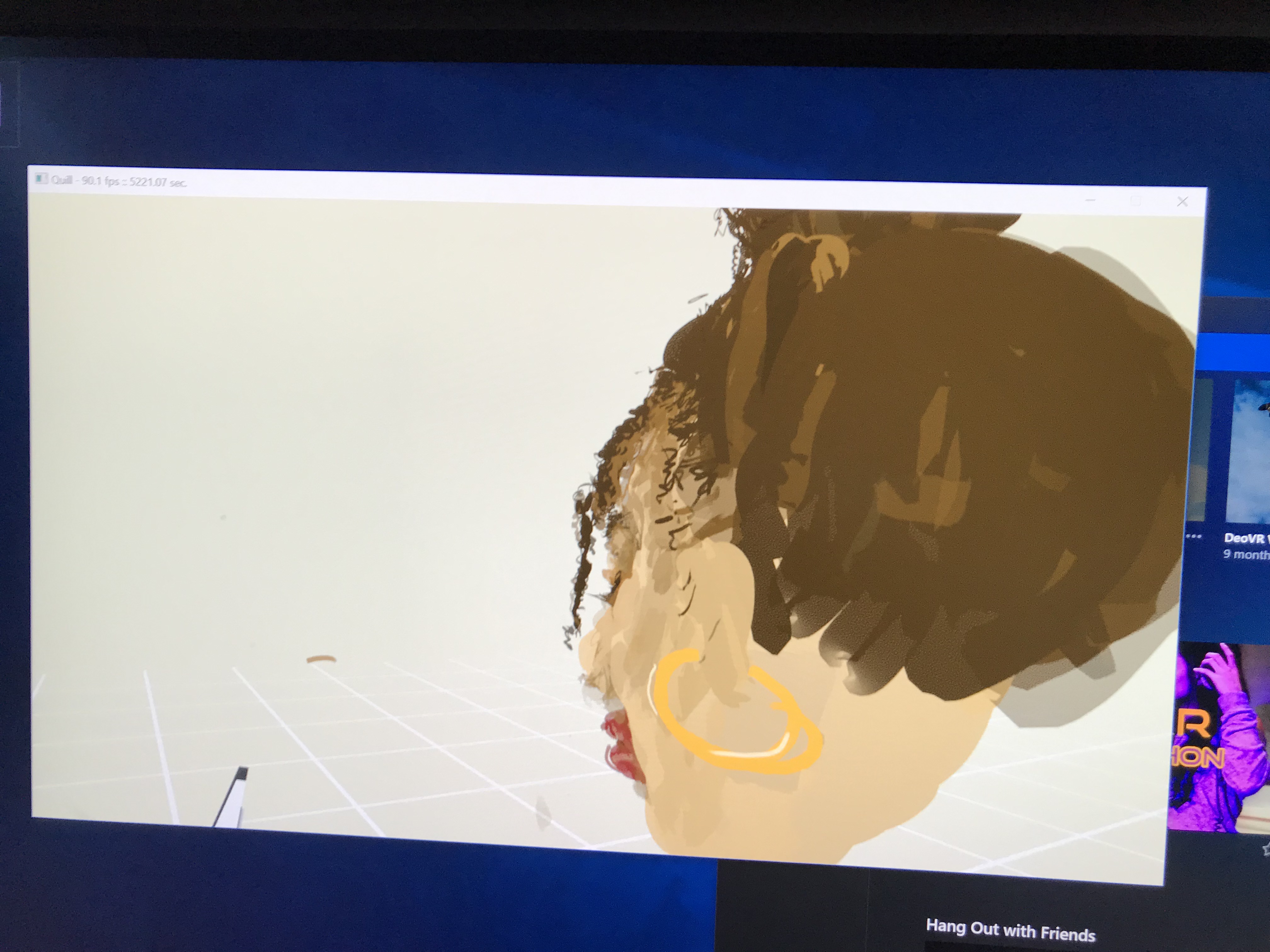
I then approached it by considering it to be filling a shape, as opposed to trying to ‘draw’ my character. I selected a thicker brush, nude tone, and began sculpting a 3d form. I started to think about what kind of structure a face would hold, where the grooves would be, how far the nose would come out, the chin, and ears. Considering how ears look from the front is one thing, but you also have to ensure they’re relatively flat to the head and not ‘sticking out’ too much, etc. and this applies for most of the facial features.
One of the most difficult elements I’ve found so far has been drawing a nose. I’ve familiarized myself with creating it’s shape and ensuring it looks like a nose from different angles, but the problem has been creating nostrils. You can rotate the image so you can see it from underneath to draw the nostrils in, but due to my drawing style I use brushes at 60-80% opacity which allows me to apply the appearance of ‘shading’, however when I make the black holes for the nostrils, this is seen through the nose itself as it’s not 100% opacity. There’s a slightly translucency in my character drawings, which means it’s impossible to hide the black or much darker mark making that I’d be doing when sculpting nostrils. Moving forward I will have to learn how to use thicker bolder colours when animating that allows the inner mark making that would be done to create nostrils or the inside of a mouth- invisible from the outside.
I’ve gotten used to some things, like when I draw from the front I need to be zoomed in enough to know that the marks I’m making are actually on the face, and not floating in thin air. I do this by zooming in closely and drawing it from a slight angle, so I can see where exactly the surface of the face sits. This way when you’re close you can see whether you’re brush stroke is sitting perfectly on top of your surface, sitting 1cm away from it, or merging into and under your surface completely.
Another thing I’ve found difficult is perspective and especially scale. Scale is tricky for me to master at the moment due to lack of time practising drawing multiple people or objects that need to be relative to each other within a space. And also, the Quill does not have a scaling tool, but Tilt brush does. Quill does not provide much information as to how far away you are from things or how big they really are. Drawing in VR is some weird, bizarre, wonderful vortex, and often I find I don’t really know where I am in the space in relation to other things. When beginning a drawing, it’s hard to decipher particularly how big I am drawing something. Having a scale tool would be really beneficial, and definitely be a massive assistance when drawing environments. Making sure your trees sit in relative size to the buildings and the people etc. is super important in creating worlds that are realistic and immersive.
The tools themselves take some adjustment. Obviously you are using the same hand held ‘controllers’ you use for VR gaming and other interactive experiences. They feature a lot of buttons, levers, triggers etc. which can actually be over complicated when using drawing software. I’m totally accustomed to using pens or brushes as most people are who illustrate, so having a device in your hand that has a toggle which you can rotate around, 4 buttons on the front and some levers on the top plus one on the back- it’s quite hard to get to terms with what does what. It seems like an excessive amount for a drawing app, but then style of drawing is worlds away for my traditional illustration brain.
The right controller is your brush. You use this to change brush size, grab and move yourself around the space, zoom in, erase, click/select things, etc. Your left controller is your paint palette, opacity settings, allows you to switch between brushes or erasers, and where you look if you need to upload or save anything. I don’t know how interchangeable this is, and if whether you’re left handed you can switch the controls around to make it feel more natural.
Generally, I am currently loving working with this software and in this style. I am really enjoying how the artwork is turning out, and find that working in this way forces me to think about drawing in an entirely different way, and relearn everything i’ve learn’t about mark making in the last 20 years. I think it holds a lot of potential for me in my practise, and is a key area of exploration for me going forward. I want to explore how to utilise VR animation as a powerful tool for storytelling and allow people to experience environments and interactions in a new way. Being immersed in a space will allow greater connection and empathy to stories the user experiences in this world, and is a mechanism for physically putting people in a scenario rather than them just reading about it or viewing it from the comfort of their own desk. Delving how I can use creative tech in my illustration practise and adding sound and touch elements is a big area of research for me at this moment, so VR animation is something I will be developing further.
The main aspects I want to focus on improving at this stage are
- building up tone and shading without changing the brush opacity
- Scaling- tips for scaling your work and ensuring you’re creating objects and worlds that are to scale.
- selecting a single object and enlarging/shrinking it
Any advice, pointers, tips and tricks if you have any experience in this area would be great. I’m looking to chat to people who work in this field, and explore different ways of going about creating these worlds.

 Jazz talking about all things creative tech.